





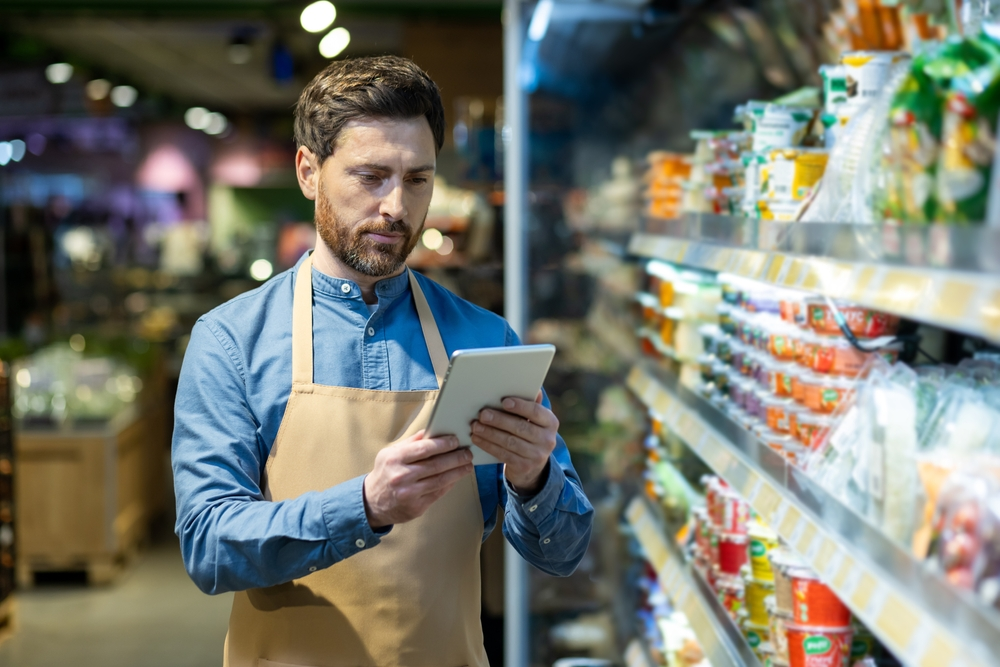


Managing a small grocery store is a fast-paced, all-hands-on-deck operation. You’re tracking perishable inventory, handling nonstop transactions, and providing outstanding service to keep customers returning for more of your products. But without the right point of sale (POS) system, staying on top of it all can feel like a never-ending game of catch-up.
So, how do you find the perfect fit for your store? To get you started, we’ve rounded up five of the top grocery POS systems for small grocery stores. From simplified inventory management to faster checkouts that keep lines moving, you’ll discover the ideal system to help your store stay stocked, efficient, and ahead of the competition.
1. Markt POS
Running a grocery store is no small task, but Markt POS makes it easier. This feature-packed POS system for small grocery stores simplifies daily tasks, keeps customers happy, and grows profits.
If you’re looking for an all-in-one solution that makes inventory tracking easy and keeps shoppers coming back, Markt POS delivers. Here’s how it can benefit your small grocery store:
- Smart scale integration: Connect directly to scales for precise pricing of produce, meat, and bulk items. This helps you maintain accurate sales tracking by weight and instant inventory updates.
- Advanced inventory management: Track stock levels in real time, helping you prevent overstocking or running out of popular items. Low-stock alerts and automated reordering make inventory control easy.
- Built-in customer relationship management (CRM) tools: Collects customer purchase data to personalize recommendations and promotions. This helps build loyalty and encourages repeat business.
- Smooth payment processing: Support cash, credit cards, digital wallets, and EBT payments, giving customers multiple ways to pay for hassle-free transactions.
Pricing:
Markt POS offers three flexible pricing plans — Starter, Growth, and Premium — tailored to fit your business size and future expansion plans. Contact a sales rep for a custom quote.
Reviews:
“What we love about Markt POS is our ability to access our data from anywhere. Whether it is on my cell phone, tablet, or laptop at home, I can always have my finger on the pulse of the business.” — Charlie Bougas, McKinnon’s Meat Market
“Markt POS’ support is extremely helpful and responsive to our questions. They have helped us continuously keep our system up and running and create solutions for our business needs. The service has been top-notch!” — Joanna Alexander, Jo’s Local Natural Foods

2. Square for Retail
If you’re a small grocery store owner, you need a simple, affordable POS system that gets the job done. With its intuitive interface and budget-friendly pricing, Square for Retail is a great choice for grocers who want an easy-to-use system that supports both in-store and online sales, even across multiple locations.
Here’s why Square for Retail is one of the top POS systems for small grocery stores:
- Intuitive inventory management: Sync inventory in real time across all your locations. Track bestselling items, automate stock replenishment, and never miss a beat.
- Speedy checkout process: Barcode scanning, integrated scales, and a customizable interface help cashiers ring up items quickly, reducing wait times.
- Sell online & in store: Manage orders across different sales channels, including in-store, online, and phone orders, while keeping inventory automatically updated.
- No monthly fee option: Take advantage of a free plan, which is a great budget-friendly option for new grocery store owners.
Pricing:
Square for Retail offers three pricing plans: a free basic plan with no monthly fees, a Plus plan designed for growing retail businesses that need in-depth features, and a Premium plan with custom pricing for established retail businesses looking to scale.
Reviews:
“Payment processing is a breeze, we are able to integrate our system with QuickBooks seamlessly, the many options for accepting payment means we never miss out on being able to receive payment at any time.” — Kevin Z.
“Signing up was stress free, without a ton of confusing paperwork, and the fees were more than manageable. In less than a week I received a card reader that was compatible with my device, and free of charge. Transactions are securely managed by the Square app that allows me to track sales any time I want.” — Christina T.
3. National Retail Solutions
National Retail Solutions (NRS) is an affordable, easy-to-use POS system for small grocery stores that packs the essential tools you need to manage your store efficiently — without breaking the bank.
Designed for independent grocers, NRS goes beyond basic transactions. It helps you track sales, manage inventory, and even build customer loyalty with built-in rewards features.
Here’s what makes NRS a perfect fit for small grocery stores.
- Integrated scale functionality: Automates weight-based pricing for produce and other perishable items, ensuring accuracy at checkout.
- Solid inventory control: Tracks stock levels in real-time, generates detailed reports, and sends low-stock alerts so you never miss out on popular items.
- Loyalty and promotions: Built-in customer loyalty programs and digital coupons help retain customers and encourage repeat business.
- EBT & food stamp processing: This system efficiently processes SNAP/EBT payments, making it a great choice for grocers serving diverse communities and improving accessibility for all shoppers.
Pricing:
You can choose from three pricing plans, which can vary depending on whether you want to pay monthly or yearly. However, you get one month free if you pay annually.
Reviews:
“Really enjoying my POS system… very helpful, customer-friendly, simple to use, and very great price. It makes running my business easier.” — Chef Pepper
“Very easy to use, and allows me to store all the items and prices in its internal memory and have track all the inventory of my business. One of the other features that I like is the price tag reader that makes everything faster and easier. Also, I can review all my sales of the day.” — Armando Torres
4. Epos Now
Are you running a small grocery store but thinking big? Epos Now is a cloud-based POS system designed for flexibility, scalability, and smooth operations — perfect for stores with expansion in mind.
Whether you're managing a single shop or planning to expand to multiple locations, Epos Now grows with you. It offers advanced reporting, real-time inventory tracking, and seamless omnichannel sales to keep your business competitive and efficient.
Here’s how Epos Now helps grocery retailers stay efficient, competitive, and ready to level up.
- Real-time sales reporting: Access sales data and reports from anywhere, helping you make data-driven decisions on the go.
- Comprehensive inventory management: Track stock levels, automate purchase orders, and send low-stock alerts to keep your shelves stocked.
- Customizable POS interface: Tailor the system to match your store’s unique workflow, streamlining checkout and improving efficiency.
- Omnichannel selling: Integrates with online marketplaces and delivery services for a broader reach.
Pricing:
Contact the sales reps at Epos Now for a custom quote designed for your business’ needs.
Reviews:
“Managing multiple sites, we found it hard to gather the revenue and see who was performing well. With Epos Now, there’s so much data you don’t know what to do with it. The week-by-week comparison. This week versus last week. Has your percentage gone up or down versus the week you’re looking at?” — Duncan McGregor
“It's an affordable all-in-one POS system. Fast turnaround time and very affordable. There are no hidden fees, and the customer service is the best. Customer service helped me set up the machine and take credit card payments on the same day. Epos Now is the best!” — Don Schmidt
5. IT Retail
If you run a grocery store, you need a POS system that keeps your business secure, tracks every sale, and helps you make smarter decisions.
IT Retail is built specifically for small grocers like you. It offers powerful analytics, airtight security, and precise cash management tools, making it an excellent choice for stores that want to stay profitable and in control.
Some of the reasons why IT Retail is a must-have for small grocery stores include:
- Advanced inventory tracking: Provides real-time visibility into stock levels, reducing losses from spoilage and shrinkage.
- Customizable touchscreen interface: Cashiers can access frequently used functions quickly, minimizing transaction times and improving efficiency.
- Cash management & security: Includes advanced anti-theft and cash-tracking features to prevent fraud and reduce discrepancies.
- Detailed reporting and analytics: Helps store owners identify trends, monitor sales, and make data-driven purchasing decisions.
Pricing:
IT Retail’s pricing is available upon request, but its comprehensive features make it a strong POS system for small grocery stores.
Reviews:
“IT Retail’s technical support is excellent, its professionals have almost infinite patience and are trained to support the POS implementation and use process.” — Diony I.
“IT Retail and its staff have given our markets A+ service over the years. Their product knowledge and efficiency is second to none. We are grateful to have an awesome partnership with IT Retail and their great support staff.” — Jonathan T.
Find the Perfect POS System for Small Grocery Stores
For small grocery store owners, a POS system is the backbone of your business. The right system keeps your store running efficiently, from inventory control and payment processing to customer management and real-time sales insights.
Finding the perfect POS system for small grocery stores means choosing one that meets your store’s unique needs and supports your growth. Markt POS integrates with commercial-grade hardware, helps you manage customer loyalty, and makes managing a massive inventory of food products a breeze..
With Markt POS, you can manage inventory, speed up checkout, and keep customers coming back. If you're ready to see it in action, book a demo today.