Schedule a demo

Grocery back office management tools

Take control of your grocery store back office with tools built specifically for managing catch-weight and perishable inventory, wholesale vendors, item price and margin, employee time tracking, and everything in between.


Customizable hardware integrations

The best grocery back office solution
for grocers and food markets

Comprehensive inventory management

 Simplify inventory tracking and reduce spoilage with a system designed to manage standard items, perishable inventory, weight-based sales, non-UPC, and homemade items all in one place. 

Robust vendor management

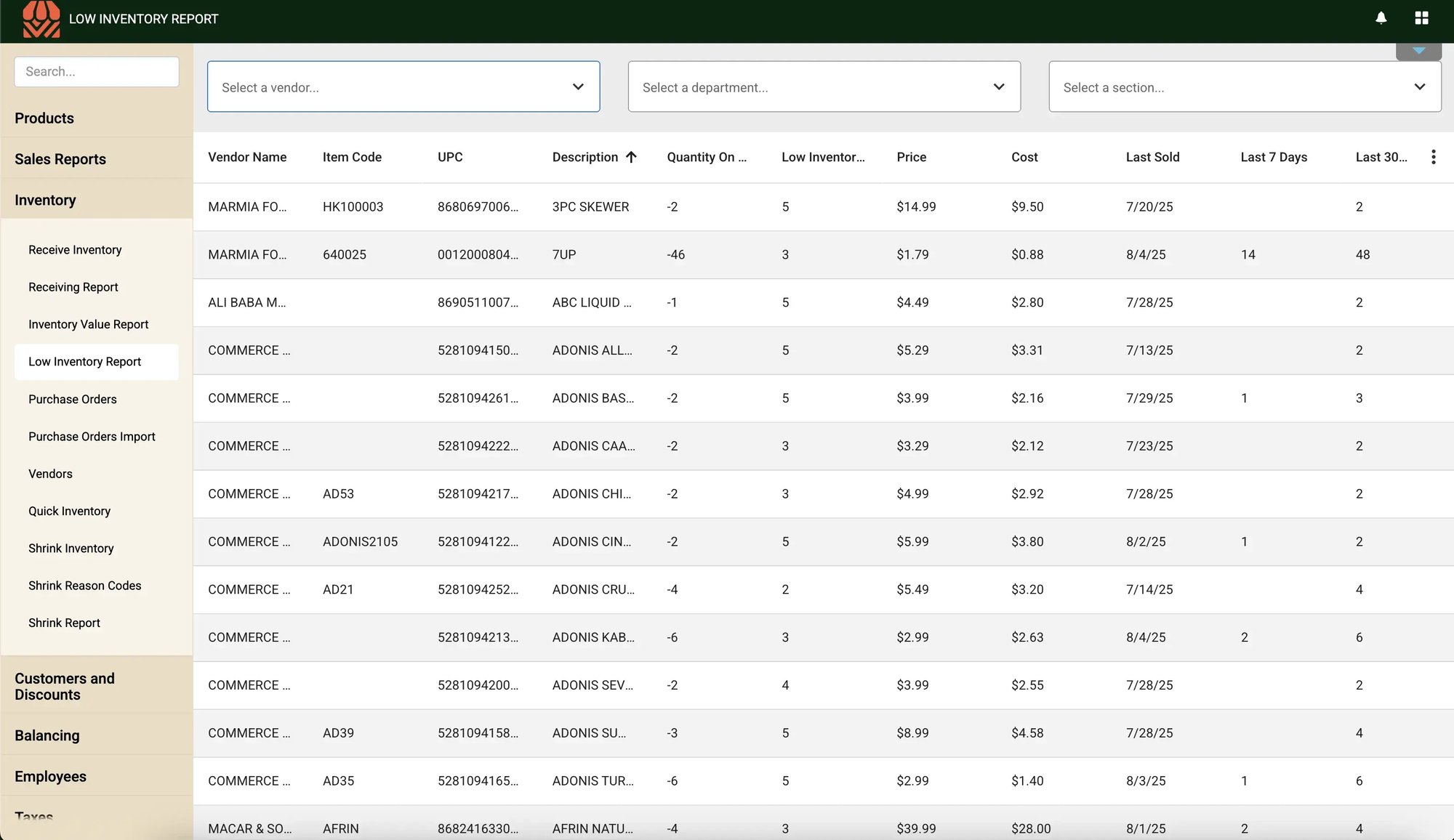
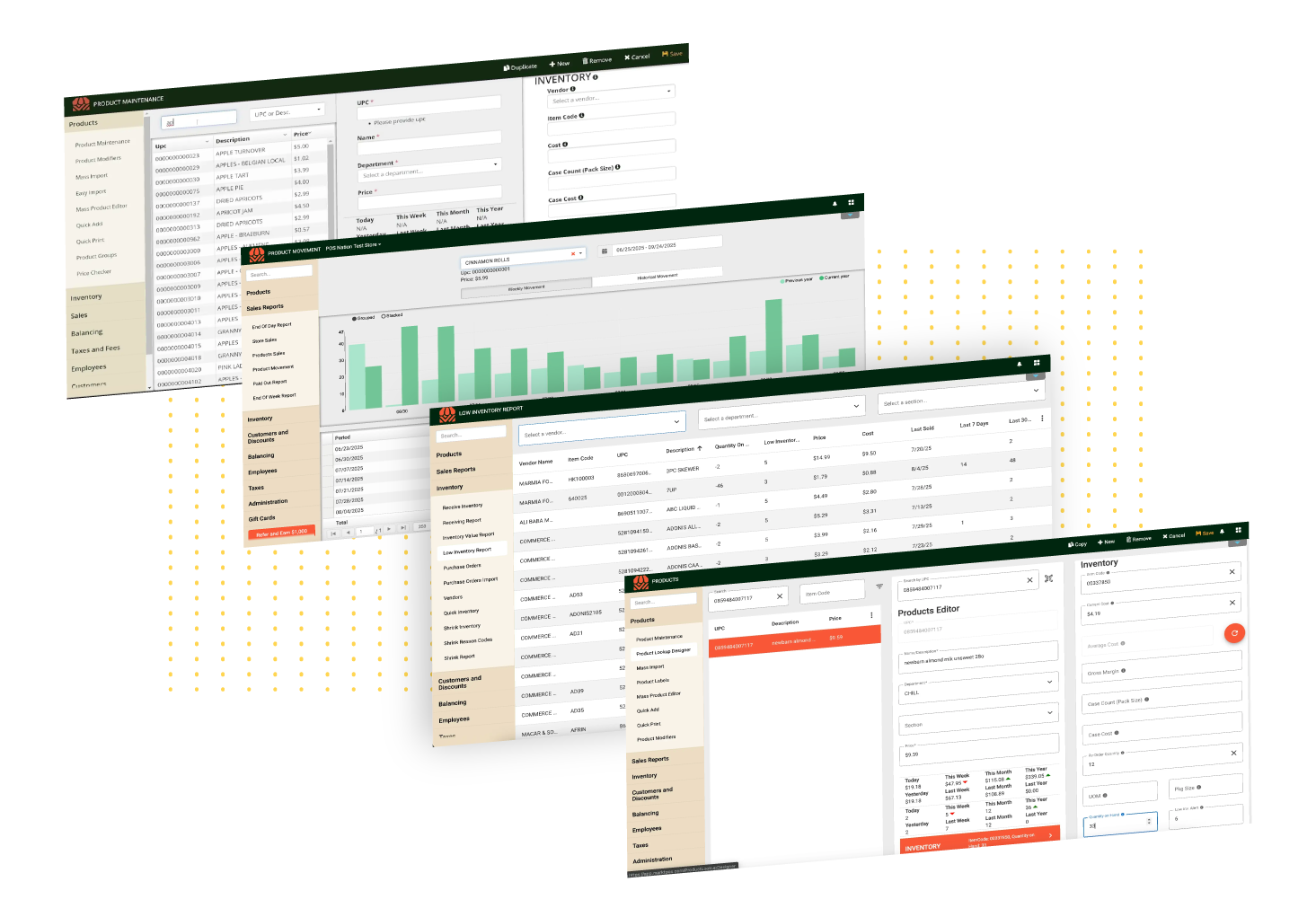
Tie every item in your system with specific suppliers. Easily track and update wholesale costs, create low-stock reports, and generate purchase orders directly from the system.

AI-powered tools

Leverage AI to instantly scan any type of purchase order into your system — or get suggested product and pricing information for items that failed to scan.

Batch price & label updates

Update your pricing automatically based on desired margins for single or multiple items, then print out new labels in one simplified workflow.

Employee management

Clock employees in and out on your POS system. Set role-based permissions so they only have access to the systems they need to do their jobs. 

Detailed reporting & analytics

Get straightforward reports on every aspect of your store, including daily sales reports, profit margin by category, department performance, spoilage tracking, and other key metrics.

Whether you have prior experience with a POS system or this is your initial experience, the system is easy to learn and you can use it from day one.
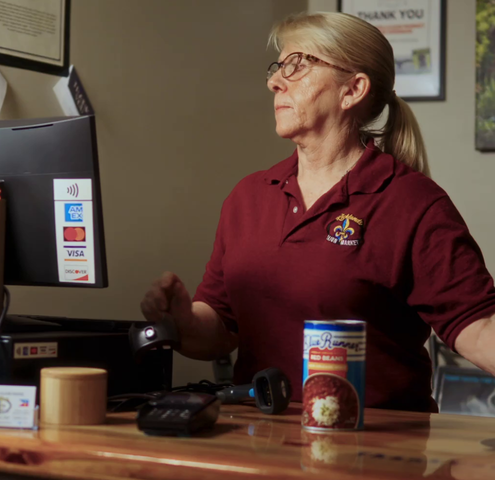
Tammy Heap

Co-Owner, Richlands Cajun Market

Tammy Heap - Photo-1

Backend tools created
with grocers in mind

Markt POS works exclusively with grocery stores, delis, butcher shops, and international food markets to create the best, hassle-free back office tools needed to succeed.


Get a real-time view of stock levels and expiration dates

Reduce out-of-stocks and spoilage with an inventory management system truly built for fresh food sales.

Markt POS’ built-in inventory management software helps you create a detailed and up-to-date stock record for every style of item you sell — from standard UPCs and catch-weight items to homemade products and hot meals.

cloud-based (2)


inventory (2)


Detailed product tracking, including:

UPC and PLU codes Price (including EBT pricing)
Vendor item code Margin and markup
Product name Promotional pricing
Quantity on hand Date received
Vendor and supplier information Expiration date
Department Average weight and cost per pound
Cost (individual and case if applicable) Menu modifications


Simplify operations with
AI-powered back office tools

OCR invoice scanning

Instantly digitize any style of invoice, from PDFs to hand-written paper invoices, with AI-powered invoice scanning. Markt POS uses next-gen Optical Character Recognition (OCR) to scan invoices and update your inventory automatically.
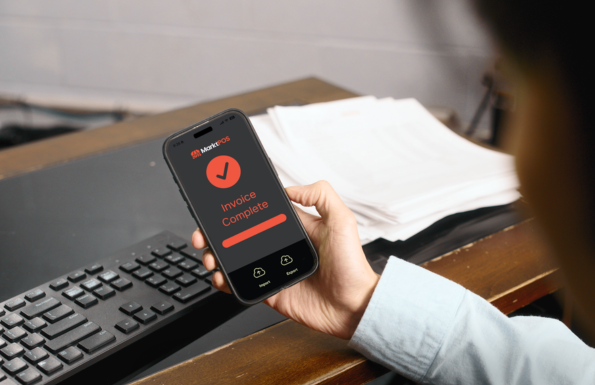
Markt - Invoice Image


Missing item reports

Get a full list of items that weren’t recognized at checkout. Markt POS will match the UPC of unscanned items against our database of over a million products — and suggest corrected product information, department, and median pricing for you. Just review and hit save.

inventory(1)


Markt - REports Guide - Low Inventory Report

Manage suppliers and POs in one place

Track every vendor and wholesaler on our system, and update your inventory with accurate product catalogs and pricing information.

Comprehensive vendor management lets you:

  • Store all supplier contact information
  • Generate purchase orders
  • Track wholesale item costs
  • Tie items to multiple vendors
  • Track vendor performance & lead times
  • Update stock against an invoice or scan it in
  • Get suggested pricing based on costs and target margins

When a product runs low, it’ll automatically appear in a low-stock report — you can then move directly from that report (or an item entry) directly into purchase order creation without leaving the system.

Print shelf and product labels with ease

Adapt to wholesale cost changes and supply chain disruptions with quick price changes. Update item pricing individually, in batches, or across departments, then print new labels in a single convenient workflow.

Markt POS also supports flexible promotional pricing, including buy one, get one (BOGO) offers, mix and match deals, short-term discounts, and loyalty pricing — making checkout smoother for staff and customers alike.
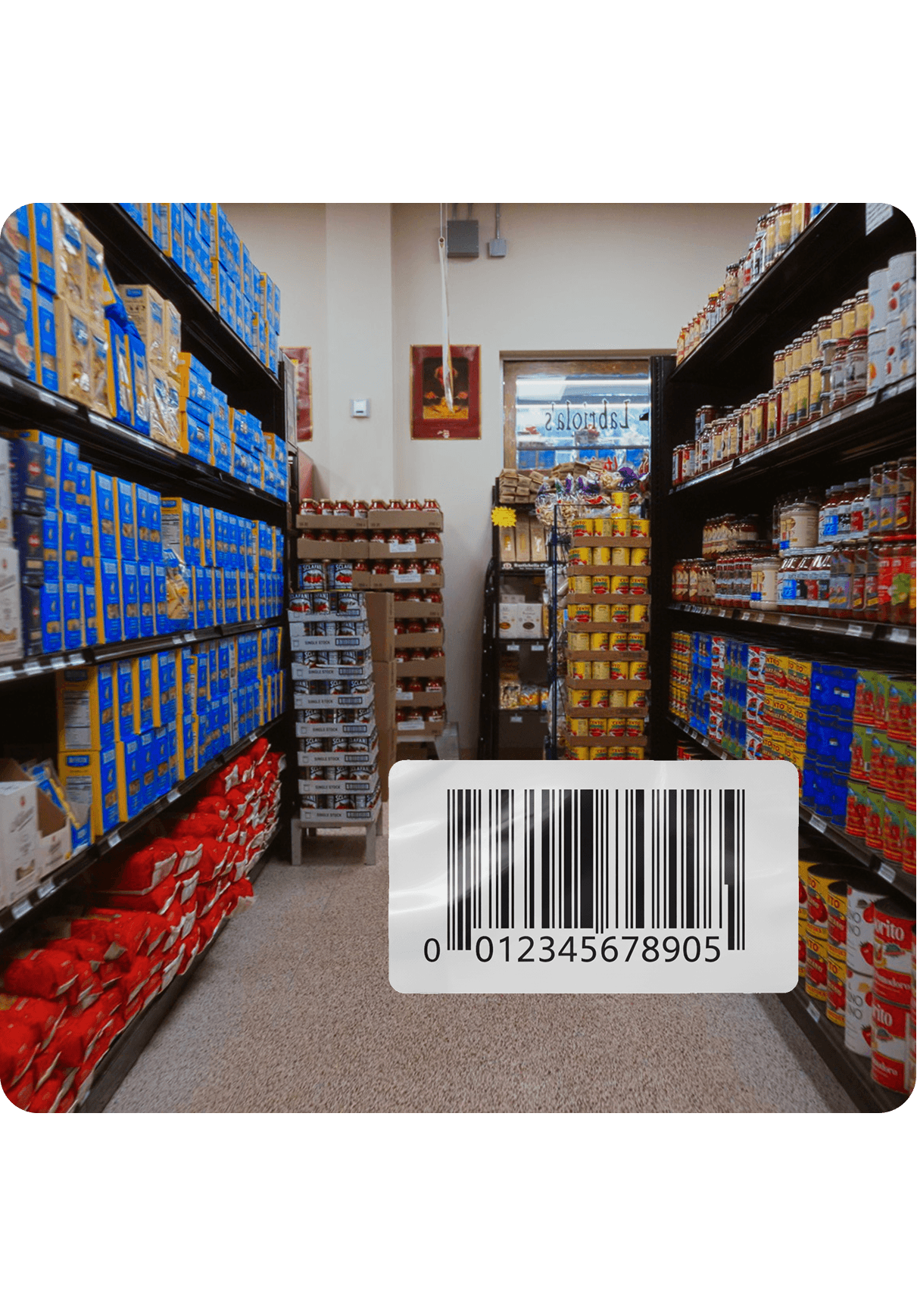
print labels-full

See key store and
sales metrics

Back up your instincts with data-driven insights using Markt POS' prebuilt and custom reports. 

Combine sales, loyalty, and inventory data into useful charts and dashboards that help you make confident decisions to keep your customers happy and defend your margins.

circle-check

Bestselling items

circle-check

Daily sales

circle-check

Profit margin by product category or department

circle-check

Customer purchase history

circle-check

Inventory turnover

circle-check

Vendor performance (lead times, costs, profit margins)

circle-check

Seasonal shifts and peak demand

Inventory-Movement-02

Track employee time and system access

Let staff clock in directly on their POS touchscreen for simplified time tracking and payroll. Set up manager overrides and system access per employee to prevent expensive mistakes and reduce your risk from employee theft or fraud.  

circle-check

Employee access control

Manage what systems and overrides your employees do (and don't) have access to.

circle-check

Time & performance tracking

Clock in directly from the register and track sales per employee.

Markt - Back Office - Employee management

Manage your grocery store
without the stress.

FAQs: How does Markt POS' grocery back office software work?

What devices can I access the Markt POS back office from?

You can access the Markt POS back office from any web browser or mobile device — this allows you to check dashboards, add products, and adjust pricing anywhere and any time.

Does the Markt POS back office support catch-weight items like meat and produce?

Yes, Markt POS can track price per pound or ounce, and average weight, in the inventory management system. This information can be synced with your deli scales to print embedded barcodes that can be scanned at the register, or with scanner scales to quickly price at checkout.

Does Markt POS’ back office support EBT setup and reporting?

Yes. EBT is supported natively in Markt POS — no third-party app or workaround required. You can configure EBT-eligible products directly in the back office, and EBT transactions will appear in your reporting alongside other tender types.


How do purchase orders work — can the system automatically generate POs based on stock levels?

Yes! Markt POS’ back office includes several ways to build purchase orders:

  1. Intelligent reordering: Suggests purchase order amounts based on sales history and projections.
  2. Threshold reordering: Set low-stock thresholds for popular items. Once stock counts drop to that level, the product will automatically be added to your purchase order.
  3. Manual: Build a purchase order for your different vendors based on their stock list.
Can I bulk-update product prices on Markt POS?

Yes, Markt POS allows you to bulk-update product prices. If your vendors frequently change prices, you can import a price list via CSV to update multiple products at once instead of editing them one by one.

Does Markt POS allow you to scan in vendor invoices automatically?

Yes! Markt POS comes with Optical Character Recognition (OCR) scanning technology, which allows you to scan or take a picture of a paper invoice and use it to update your inventory. This AI-assisted technology eliminates hours of manual data entry and can even work with handwritten invoices, simplifying how you work with small and local vendors.

Can I control what employees see and have access to in the back office?

Yes. Markt POS’ back office includes employee access controls that let you choose what each employee can and can’t see. For example, you can restrict cashiers to shift-level reports that only show their own activity, rather than total store sales figures. 

How easy is it to set up and train new employees on Markt POS’ back office?

Learning how to use Markt POS’ back office is easy! New employee onboarding is handled directly in the back office. You can assign them a PIN or login, and assign access controls before they even touch a register.  

Can you manage inventory and pricing for multiple stores through the back office?

Yes, Markt POS allows you to control inventory, pricing, and product information across locations from a single back office login. 

Is Markt POS cloud-based? What if my internet goes down?

Yes, Markt POS is cloud-based, but our system also has hybrid architecture to keep locations up and running if your internet connection fails. This system is the best of both worlds, letting you access your back office from any browser, but continuing to process transactions locally even if your connection goes down. Once connectivity is restored, sales and inventory data will update automatically. 

What kind of sales reports does the back office include — and can I access them remotely?

 Markt POS’ back office includes sales reports you can access from anywhere — by day, week, month, or custom date range. You can view performance by department, product, or cashier, and compare periods to track trends. Because it's cloud-based, you don't need to be in the store to check how the day went or pull a report for your accountant. 

How do I set up promotions or discounts in the back office?

Promotional pricing can be set up directly in the back office of Markt POS, including temporary pricing with a scheduled start and end date. Promotions can be applied to individual products or across a category. 

Can Markt POS update prices automatically based on a target margin?

Yes! In Markt POS' back office, you can set a desired target margin by department. Once you update wholesale item costs in your system, it will suggest a price automatically, either rounded to the nearest 99 cents or to the nearest price ending in 9 cents. The target margin helps speed up batch price updates and ensure you're hitting overall margin goals, but you can also override the target margins for individual items.